The stack is covered,except for WordPress.
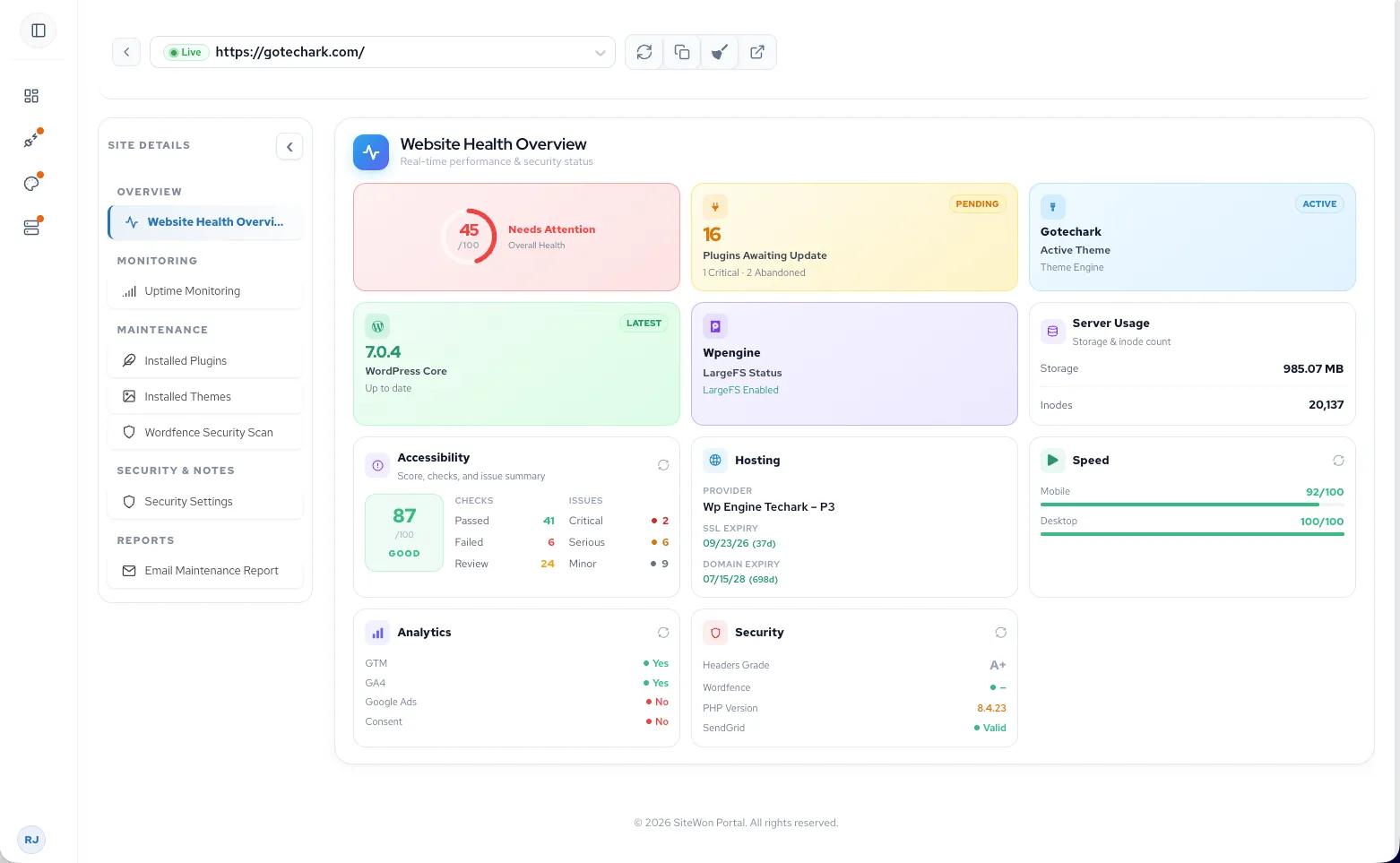
Add website healthto managed services.
Monitor WordPress alongside the services you already deliver—so your team can spot issues before clients call in.
Website health at a glance
One dashboard for uptime, SSL, domains, security, updates, and performance across every client site.
Proactive monitoring
Shift from reactive firefighting to catching issues before clients notice.
Fits your stack
Add application-layer visibility without replacing your RMM or building a WordPress practice.
Catch issues early.Before clients call.
Catch website issues before your clients call.
- 01Alerts before outages escalate
- 02SSL and domain expiration warnings
- 03Security and WordPress update visibility
- 04Performance issues caught early
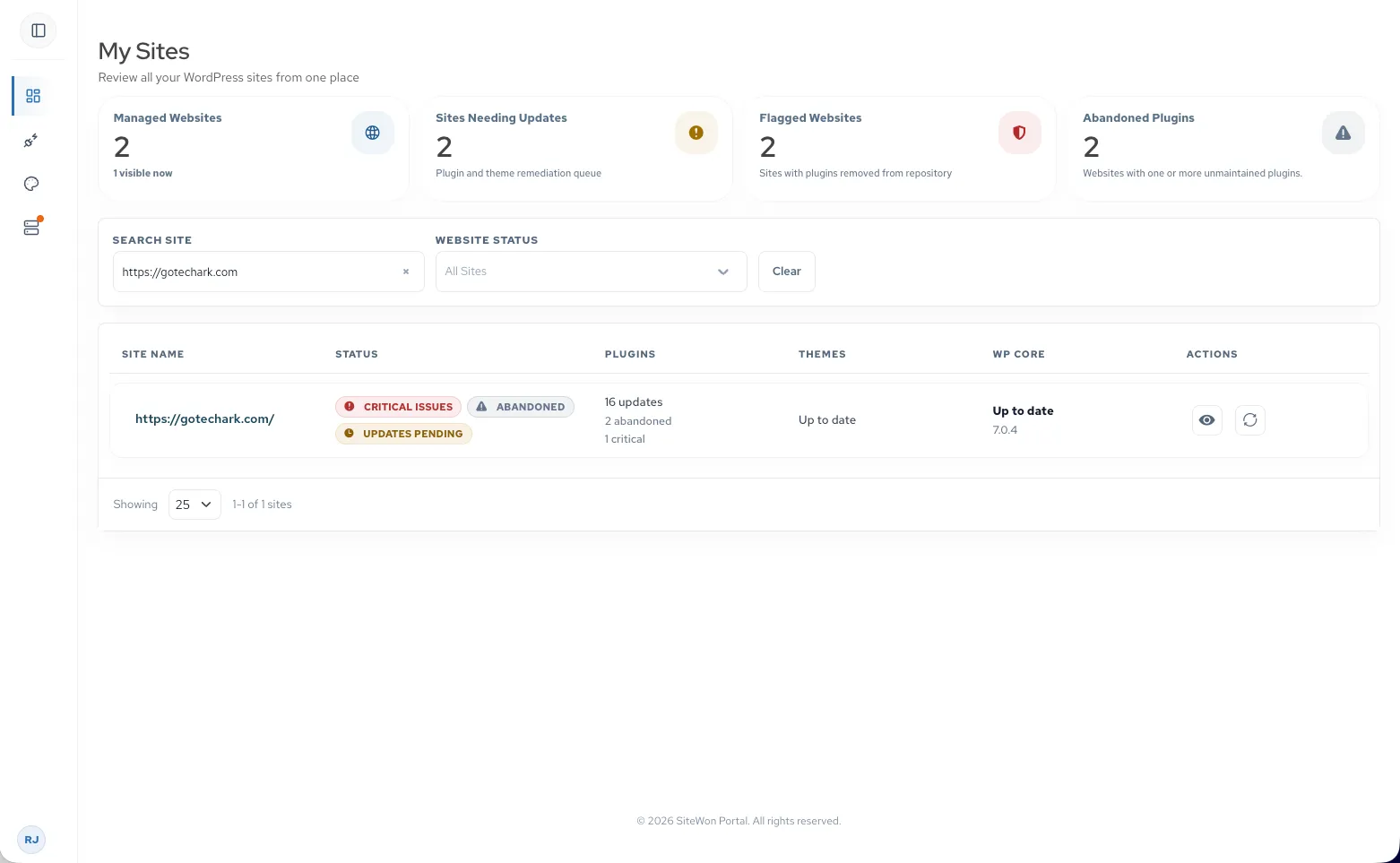
Use website healthduring client reviews.
A website doesn't have to be down to need attention. Use SiteWon during client reviews to show what's working, what's changing, and what needs attention.
What's working
Highlight uptime, security, and performance wins with real data.
What's changing
Surface plugin updates, SSL renewals, and stack changes.
What needs attention
Walk into QBRs with priorities already identified.

Don't want tohandle the WordPress work?
Escalate WordPress fixes to TechArk instead of building your own WordPress team.
- 01WordPress troubleshooting
- 02Plugin and theme issues
- 03Maintenance and updates
- 04Development and fixes
Add website healthto your MSP offering.
Website monitoring
Bundle ongoing visibility into managed services packages.
Website health reviews
Bring structured website conversations to client reviews.
Security monitoring
Offer WordPress security visibility as a managed add-on.
Website maintenance
Pair monitoring with maintenance your team or partners deliver.
Client reporting
Share clear health summaries clients can understand.
Referral revenue
Grow partner models as clients adopt website health services.
Works with your tools.Your stack stays.
RMM and infrastructure monitoring
Your existing tools handle endpoints, servers, and network. SiteWon adds the WordPress application layer.
Security and vulnerability tools
Complements scanners and endpoint protection with website-specific health signals.
PSA and ticketing workflows
SiteWon doesn't replace how your team triages tickets—it surfaces website issues earlier.
Central website dashboard
One place to see health, updates, and alerts across every client WordPress site.
Add client WordPress sites.Start monitoring in minutes.
SiteWon connects to your clients' existing WordPress sites with no migration and no hosting changes.
Create your MSP account
Sign up and add client website URLs to your SiteWon dashboard.
Install the WordPress plugin
Add SiteWon to each client site. No hosting migration required.
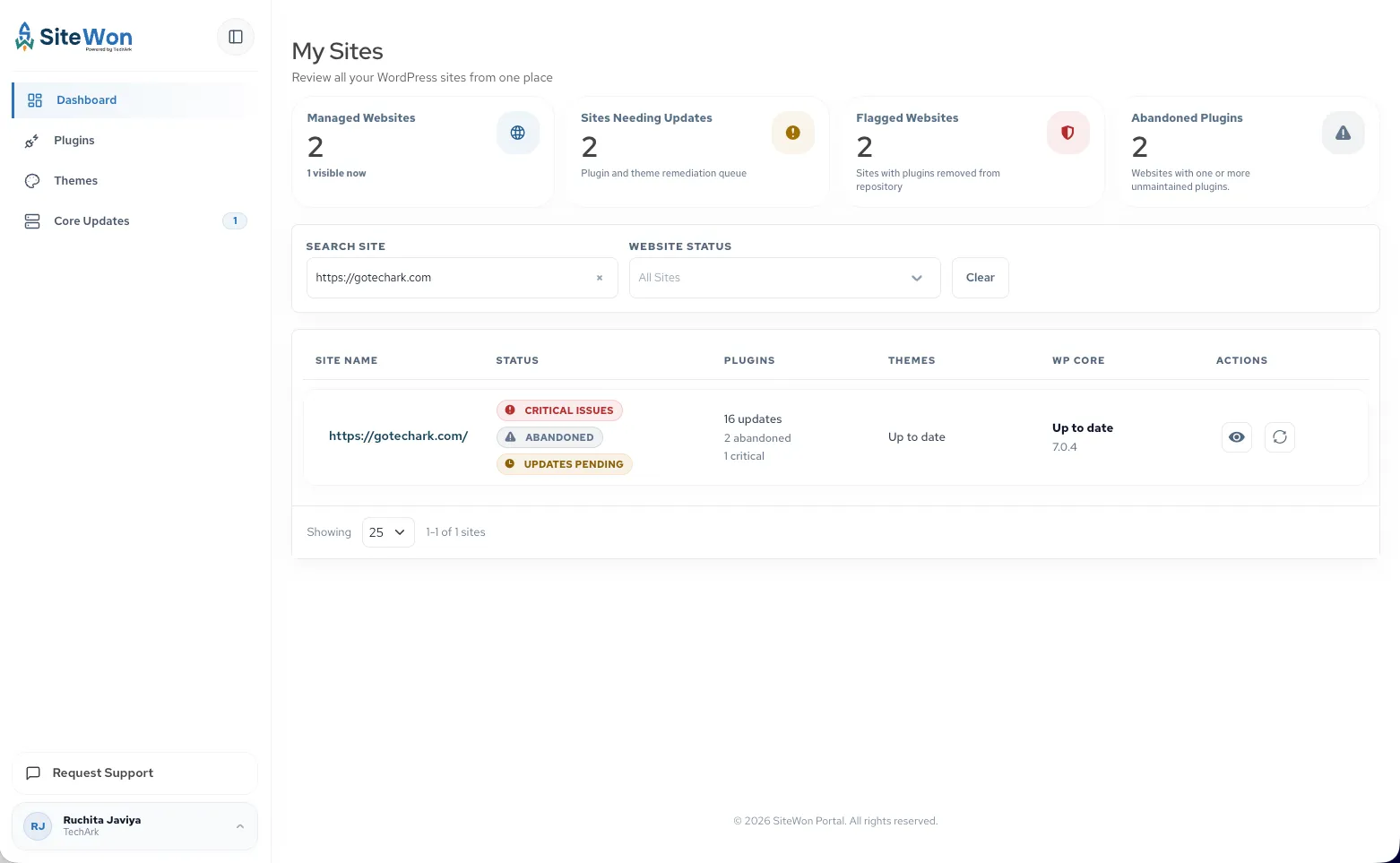
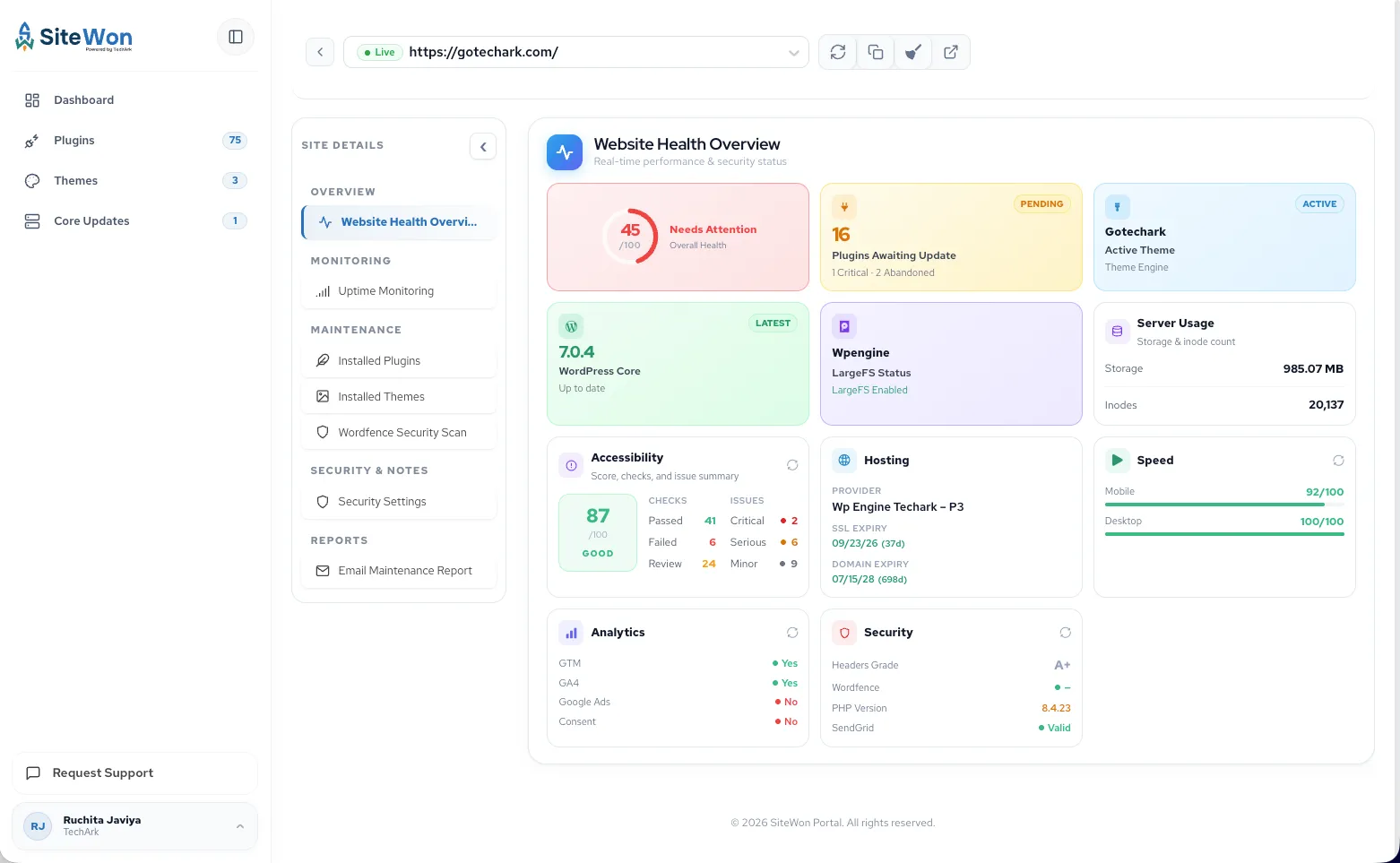
Monitor from one dashboard
Track uptime, updates, and security across every client WordPress site.
Extend yourmanaged services.
Add WordPress visibility for your clients without replacing your stack or building a WordPress practice.
Common Questions & Answers
How MSPs and IT teams connect client WordPress sites, complement existing tools, and get started.
Still Have Questions?
Exploring partner opportunities or rolling out website monitoring to clients? We're here to help.