Everything You Need.One Dashboard.
Whether you're a website owner, freelancer, or digital agency, SiteWon makes website management simpler, smarter, and more efficient.
Your Websitesat a Glance
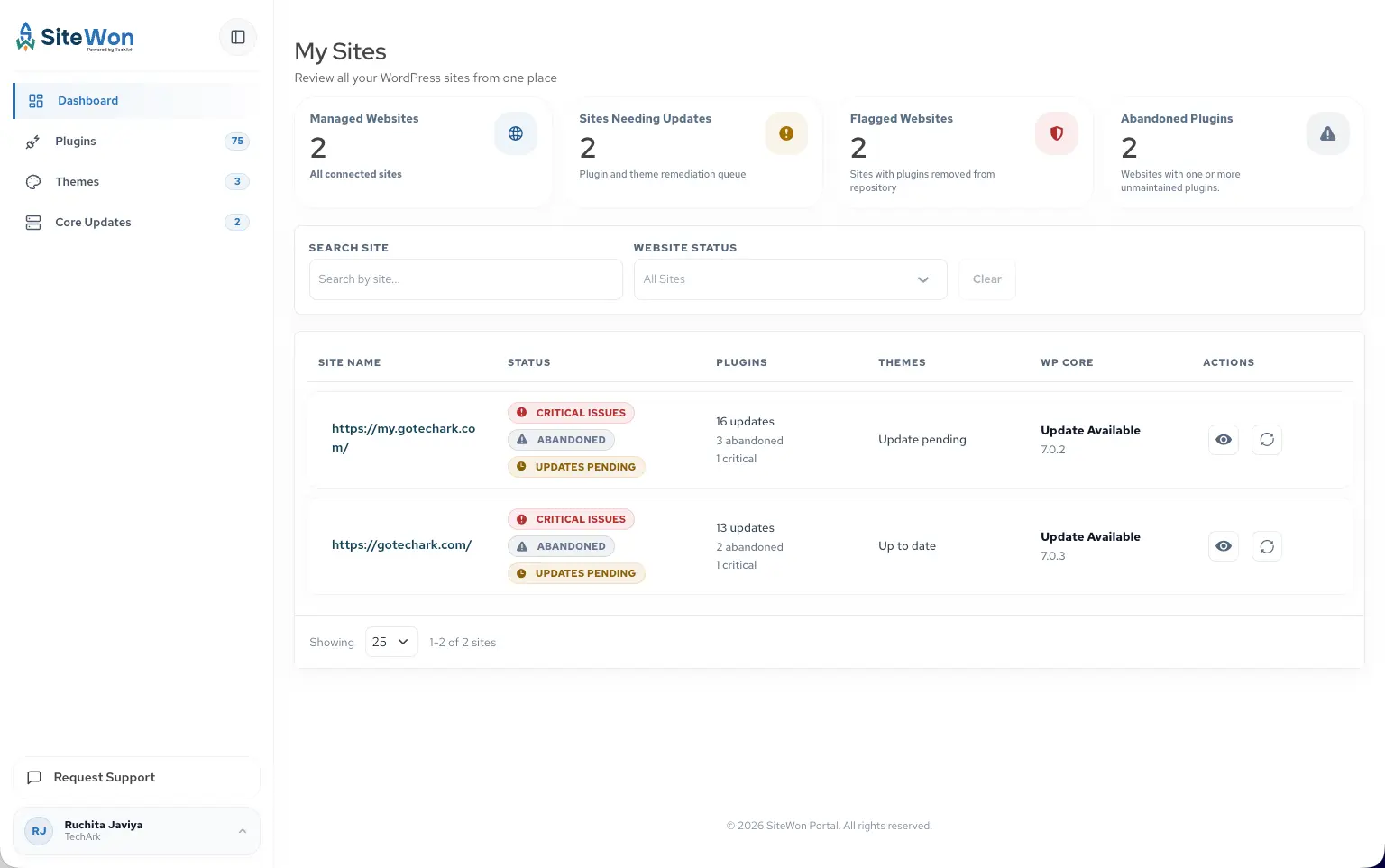
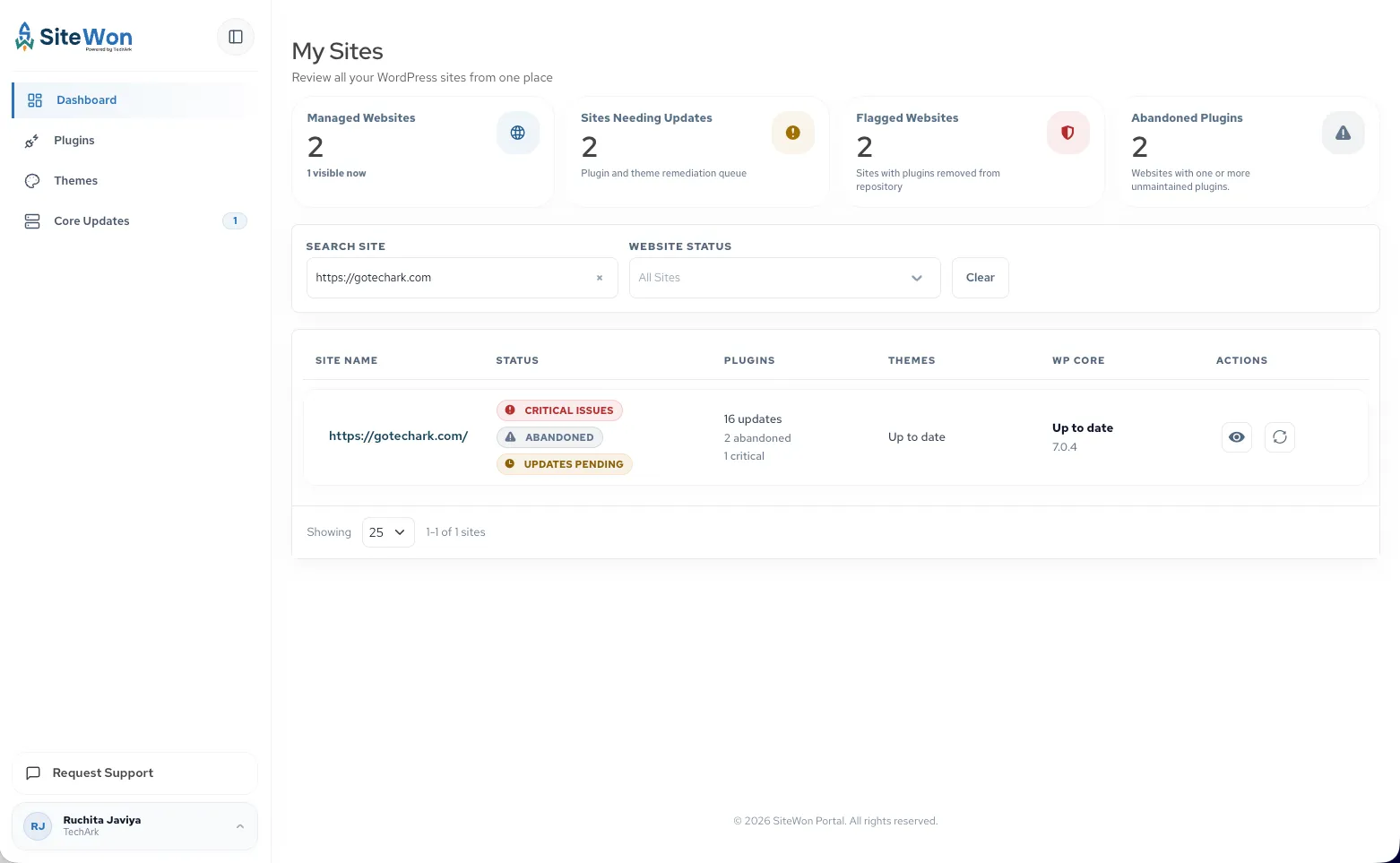
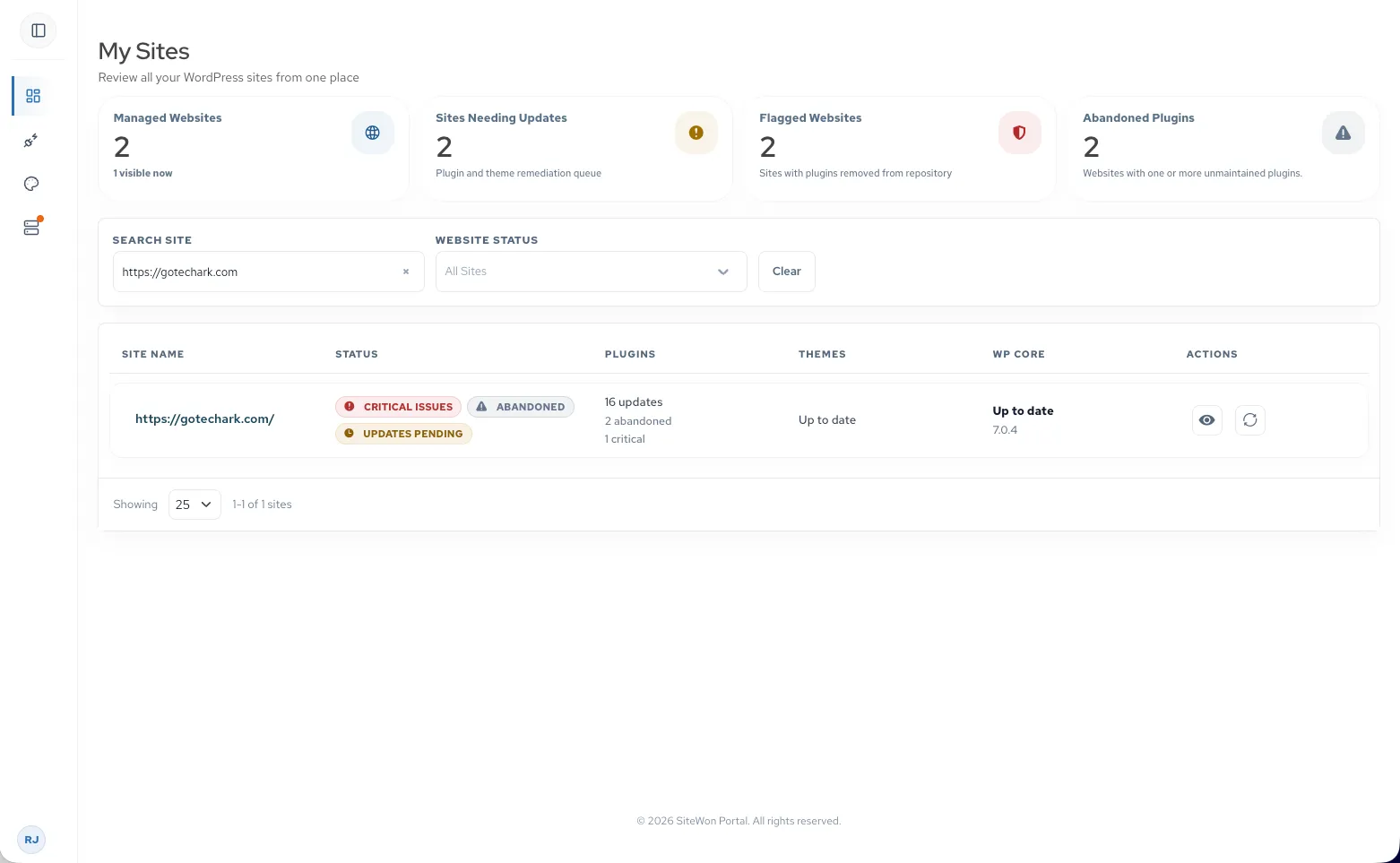
One dashboard for every connected site. See health, security, and updates at a glance—without logging into each WordPress install.
- 01Centralized website dashboard
- 02Website health overview
- 03Security overview
- 04WordPress version status
- 05Plugin & theme update status
- 06Quick access to website details
Know the Healthof Every Website
Stay informed about the overall condition of your websites with easy-to-understand health indicators that help you identify potential issues before they impact your visitors.
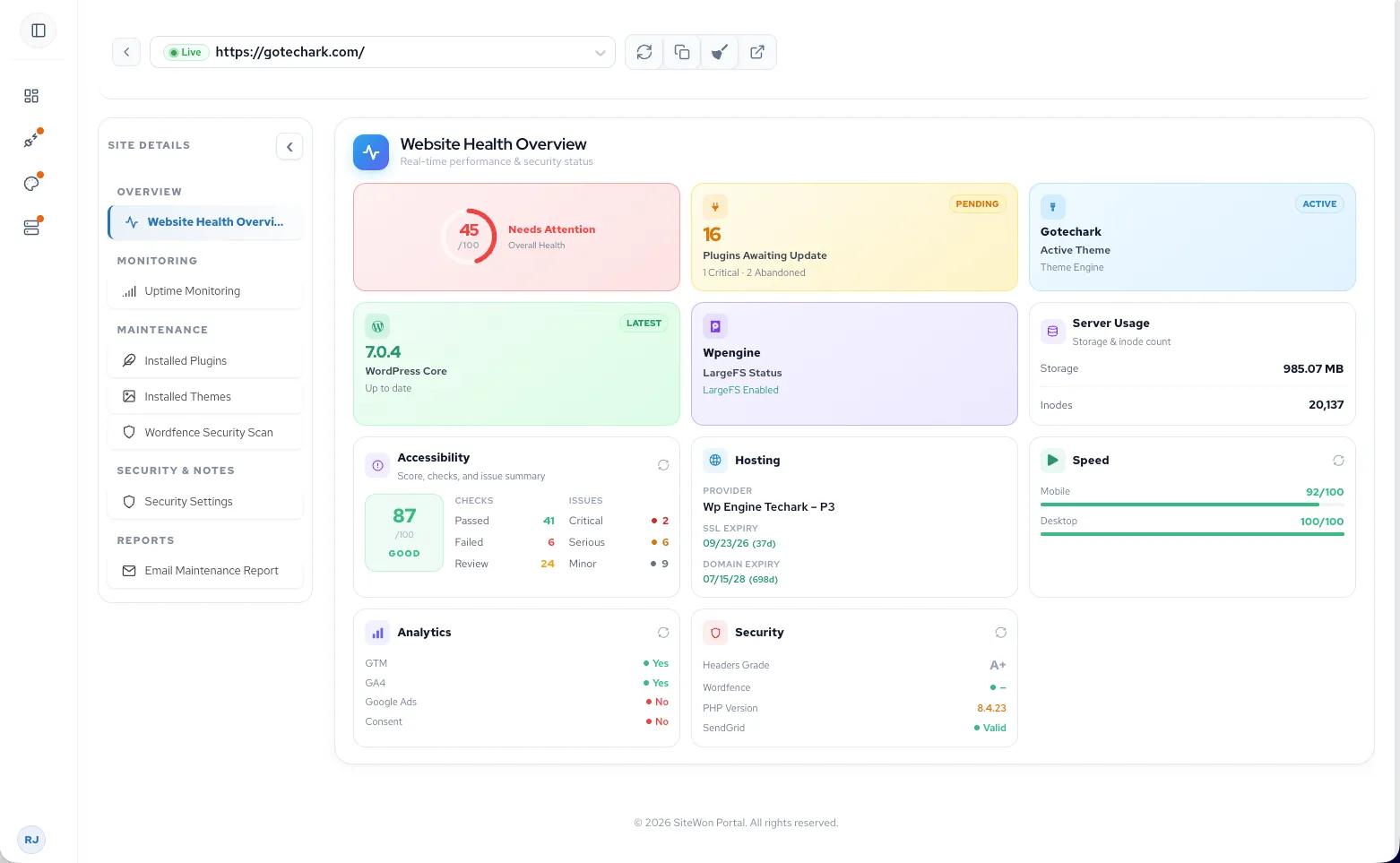
Overall website health score
Real-time website status overview
Critical issue identification
Actionable maintenance recommendations
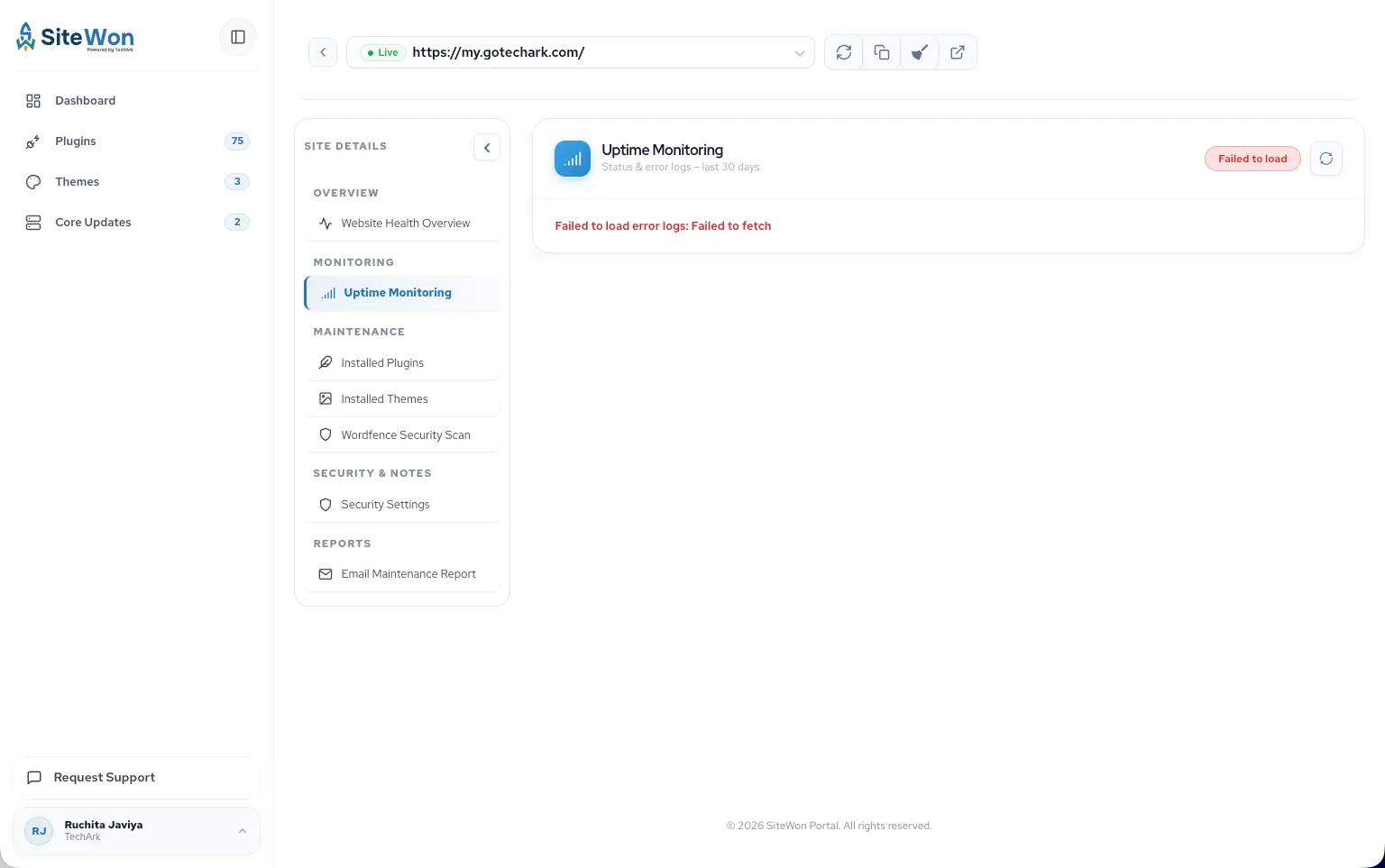
Know the MomentA Website Goes Offline
Website downtime can impact visitors, leads, and revenue. SiteWon continuously monitors your websites and keeps you informed when availability changes.
- Uptime monitoring
- Availability history
Deliver FasterWeb Experiences
Monitor desktop and mobile performance in one place and spot early opportunities to improve site speed.
- 01Desktop performance monitoring
- 02Mobile performance monitoring
- 03Performance trends
- 04Optimization insights
Never Miss AnImportant Renewal
Stay ahead of domain and SSL certificate expirations with centralized visibility across all your websites.
Domain expiration tracking
SSL expiration monitoring
Renewal reminders
Website ownership visibility
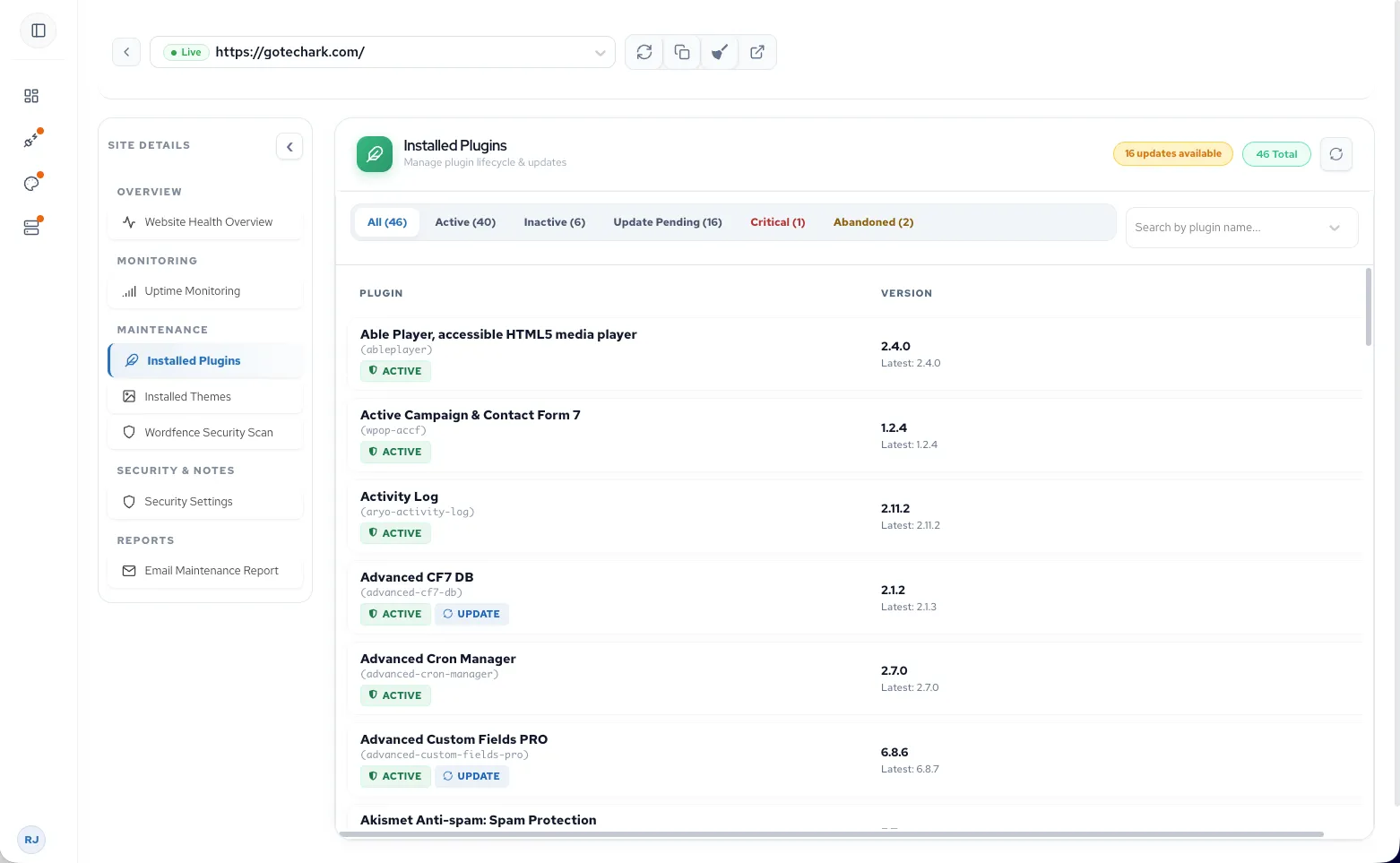
Keep Every WebsiteUp to Date
Monitor plugin, theme, and WordPress updates across every site from one dashboard to reduce security and compatibility risks.
Illustration of plugin version monitoring with update detection and installed plugin names scrolling across sites.
Plugin update monitoring
See installed plugin versions and compare them against the latest release across every site.
Installed theme nodes: OceanWP, Astra, GeneratePress.
Installed themes
View active themes across your portfolio from one centralized list.
- lakeview-dental.com6.5.4
- northside.com6.5.4
- harbor-agency.com6.5.4
- blueprint.co6.4.3
- summitlaw.com6.3.2
- coastalmedia.io6.2.2
- ridgepoint.org6.2.8
- atlas-fitness.co6.4.1
- meridian-studio.net6.5.4
WordPress version tracking
Monitor WordPress core versions across all sites from one dashboard.
Illustration of theme version monitoring: Astra, Divi, and Kadence cycle through a scan point. After each scan, an icon above shows whether the theme passed or needs an update, and a version badge below highlights out-of-date versions.
Theme version monitoring
Track theme versions and know when updates are ready to deploy.
Illustration of update status flowing from connected sites and services to a central hub.
Pending updates in one place
See plugin, theme, and WordPress core updates waiting across every site so you know what needs attention.
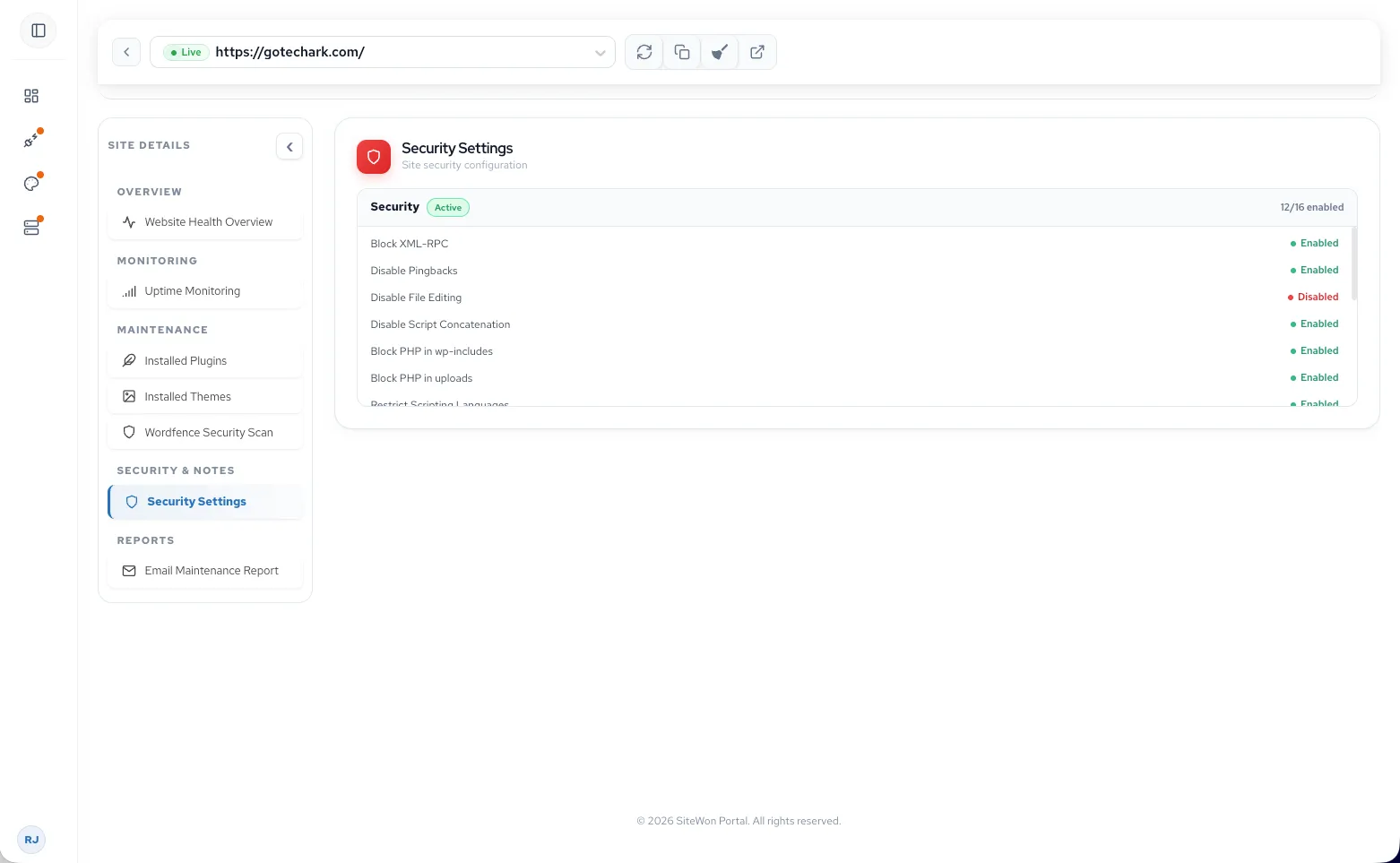
Stay Ahead ofSecurity Risks
Monitor the security posture of every website with valuable insights into SSL configuration, security protocols, and overall website security.
- 01Security Score
- 02SSL Certificate Monitoring
- 03HTTPS verification
- 04Security protocol checks
- 05SSL expiration visibility
- 06Security recommendations
SimplifyEveryday Maintenance
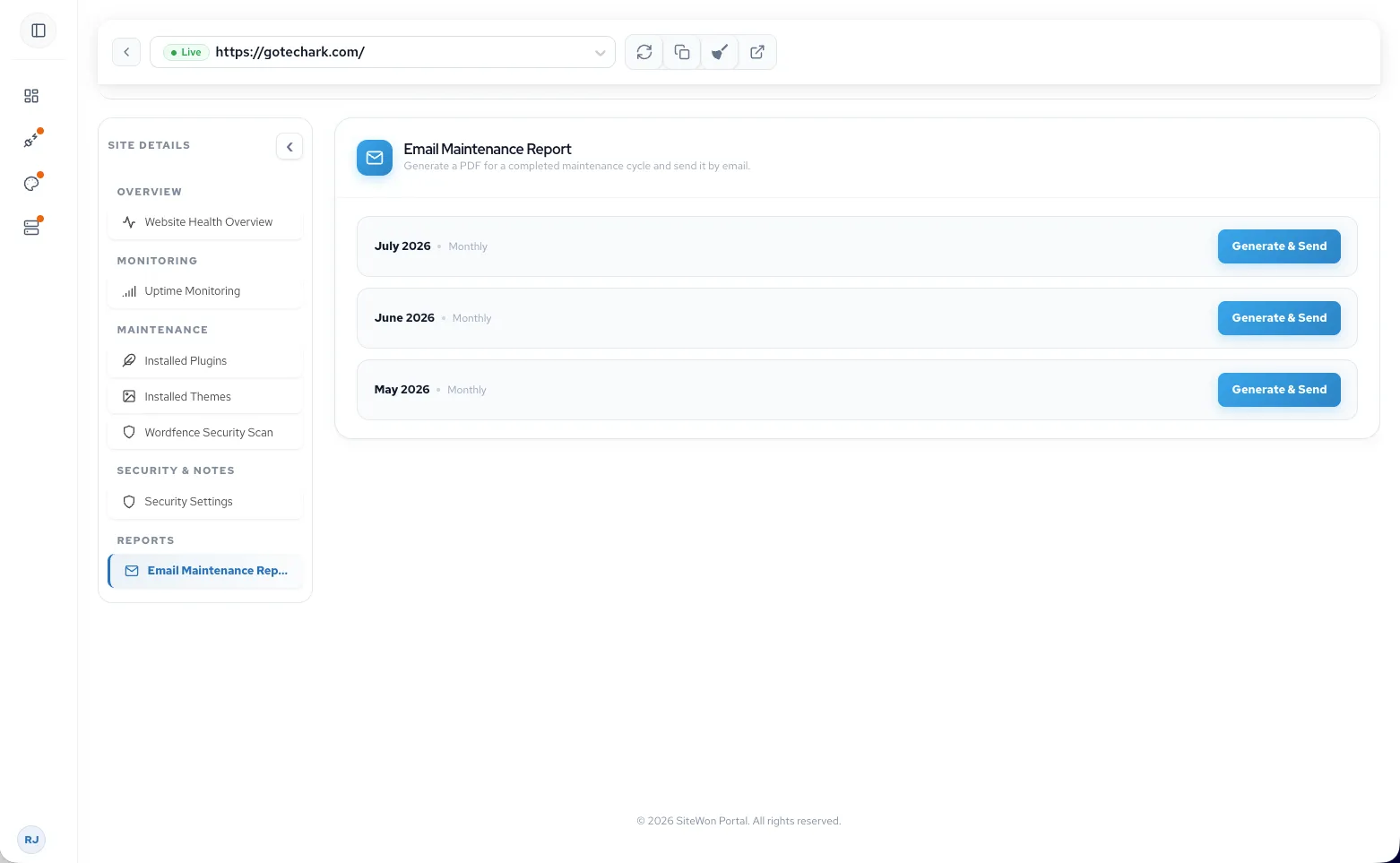
Perform common maintenance tasks without logging into every WordPress website individually.
Enable Maintenance Mode
Manage Comments
Notification Management
Website Settings
Insights and ComplianceIncluded With Your Plan
Accessibility monitoring, cookie compliance, and competitor analysis are included with SiteWon—not extra add-ons.
Website Accessibility
Monitor accessibility issues and improve compliance with modern accessibility standards, creating a better experience for all visitors.
Cookie Compliance
Monitor your websites for cookie compliance requirements and help support privacy regulations with simplified compliance management.
Competitor Analysis
Keep an eye on competitor websites and gain valuable insights that help improve your own website strategy and digital presence.
Ready to Take Controlof Your Websites?
Join website owners, freelancers, and agencies who trust SiteWon to simplify website management and stay ahead of issues before they become problems.